Math Visualization
Using Maxon Cinema 4d

Math Visualization
Using Maxon Cinema 4d
Several people have asked me which is the best software package for mathematics visualization. There actually are many options, ranging from programming languages like Python or Matlab, or Computer Aided Drafting packages, such as Autocad or Fusion 360, to 3d graphics software, like Maya or Cinema 4d. I really like to use Maxon’s Cinema 4d because math formulas can be used to power and direct a complex animated scene. A group of objects, a force field, or a plane object all can be animated in specific ways using mathematical formulas. Parametric equations can be used in the formula spline to plot parametric curves for many uses. Formula fields and formula effectors are especially useful with trigonometric equations for powering animations of objects. Formula deformers, as the name suggests, can change the shape of an object or objects in a wide variety of ways. And hidden in the mospline effector is the interface of the Lindenmayer systems.
Formula Splines
A formula spline allows the easy input of a parametric equation. Parametric equations are stated as an x, y, and maybe a z equation in the variable t, usually thought of as time. For example, the circle can be plotted in cartesian coordinates as: + = 1, or in parametric equations as x = cos(t), y = sin(t) for the unit circle.
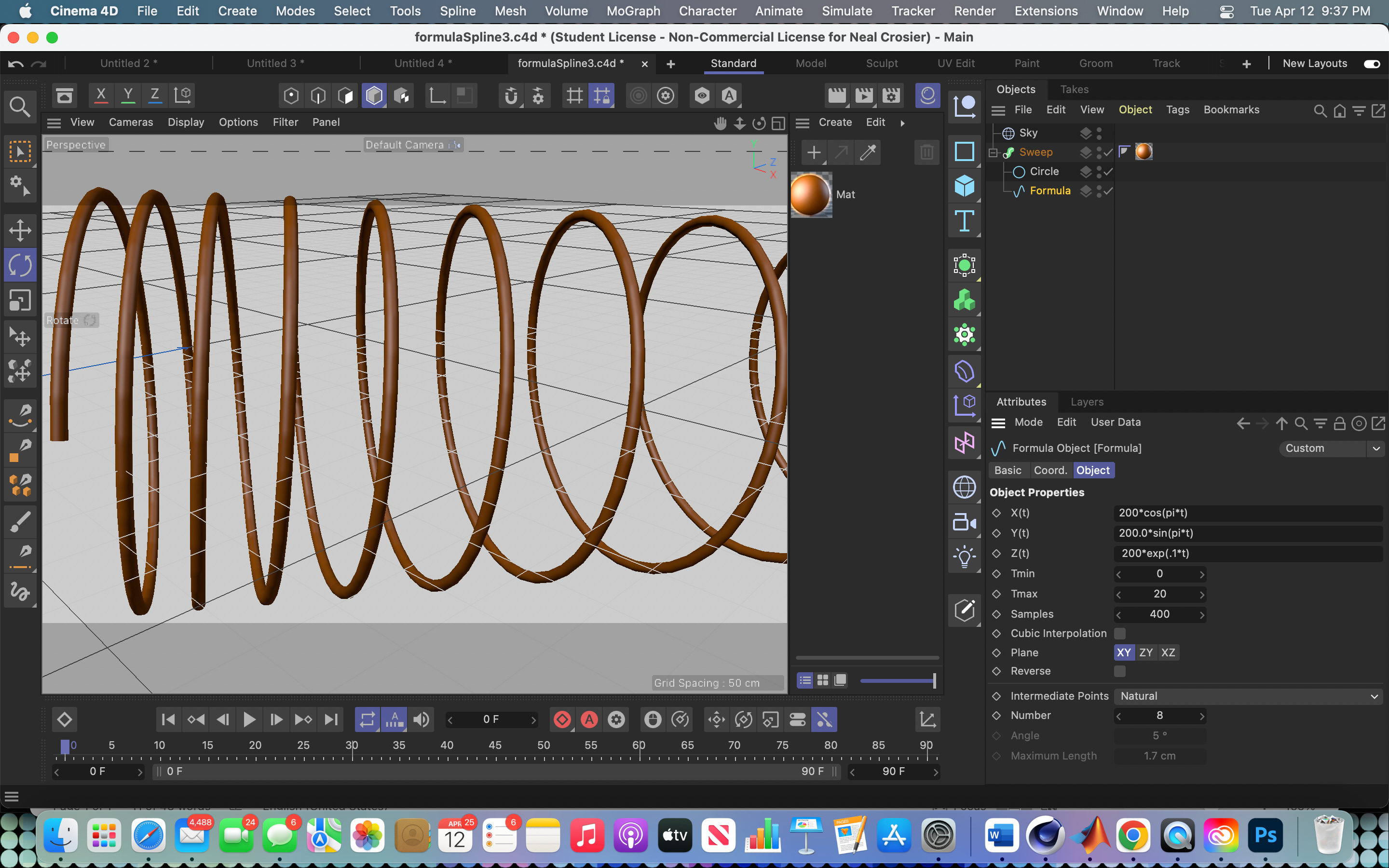
In this example the parametric equations are x(t) = 200*cos(pi*t), y(t) = 200*sin(pi*t), and z(t) = 200*exp(0.1*t). The result of the equations is a curve, or spline, with no width so it is necessary to sweep a vary small circle along the curve to view it in the renderer.

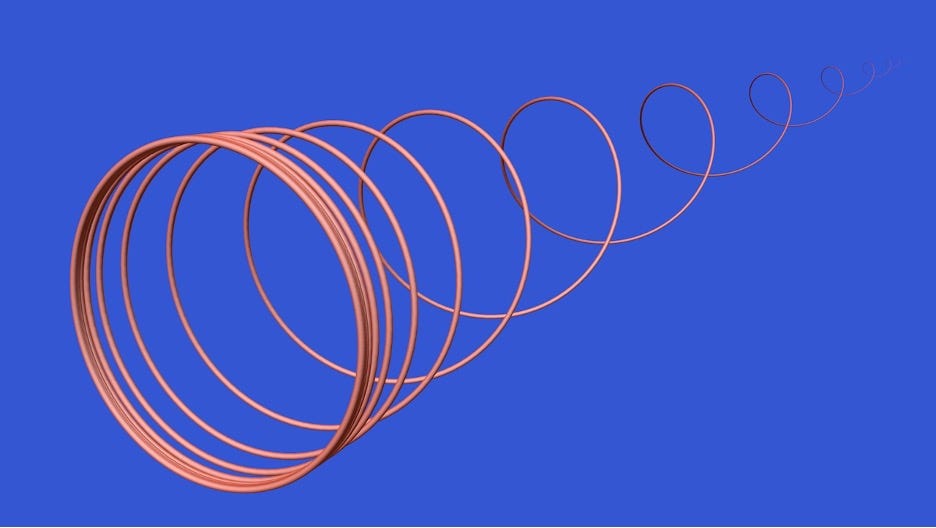
This interesting curve is defined as: x(t) = (100.0*cos(pi*t))/t and y(t) = (100.0*sin(pi*t))/t. Or, how about the formula x(t) = (100*Cos(pi*t)), y(t) = (100*Sin(pi*t)), z(t) = 100*exp(.35*t) which plots the following image:
Formula Effectors
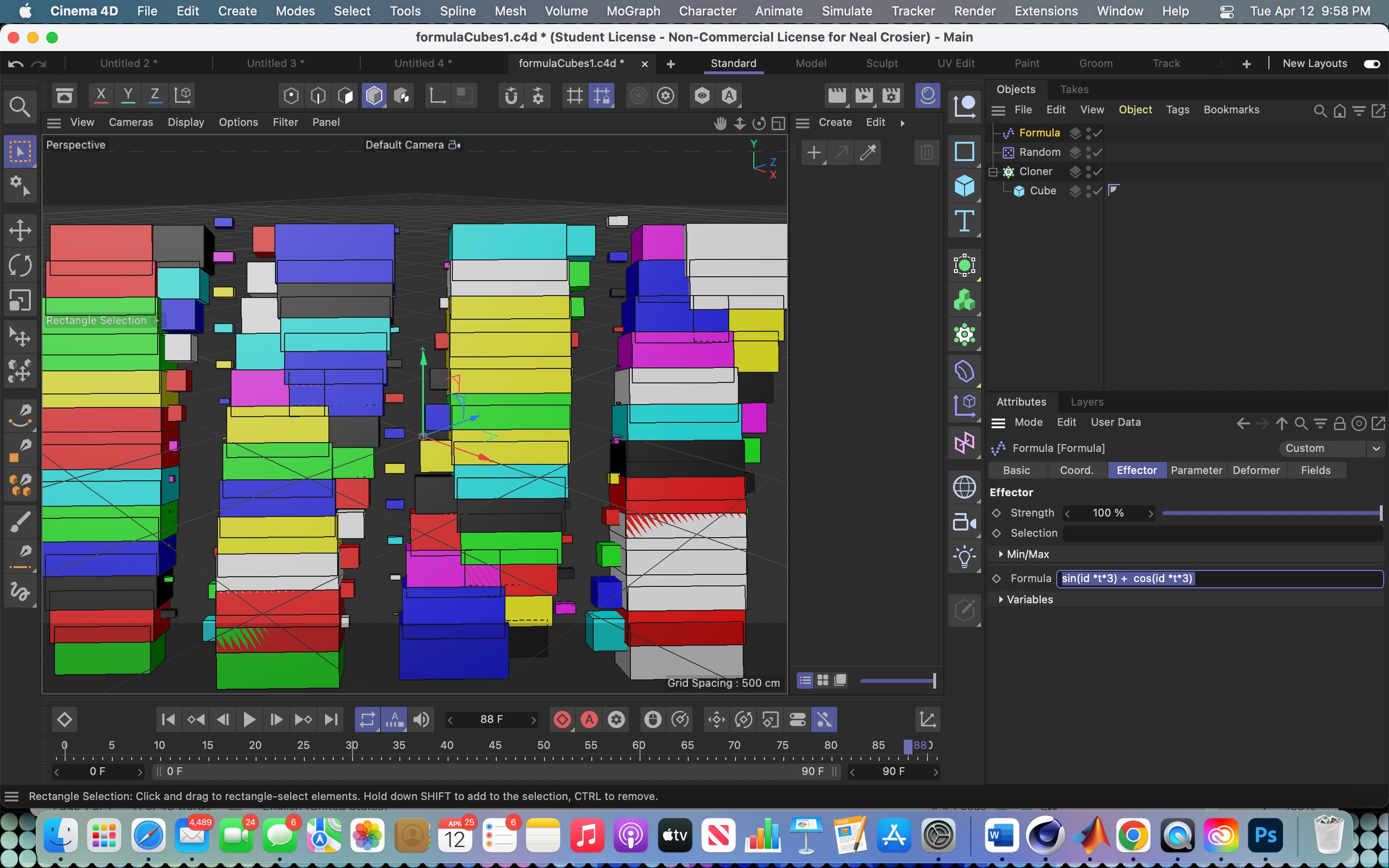
Formula effectors use a formula, in this case a trigonometric formula, to drive the animation of objects. Here I used the formula: sin(id *t*3) + cos(id *t*3) to animate a grid of cubes. The variable id refers to the id number of each of the clones, that are numbered from 0 to n-1 for n clones. The cube is dropped into a cloner to create the grid of cubes. Then I placed a formula effector in the effector field for the cloner to control the animation. The random effector is just for a random color scheme for the cloned cubes.

The formula effector can be used with any type of object field. Spheres can be cloned and then animated using a formula.
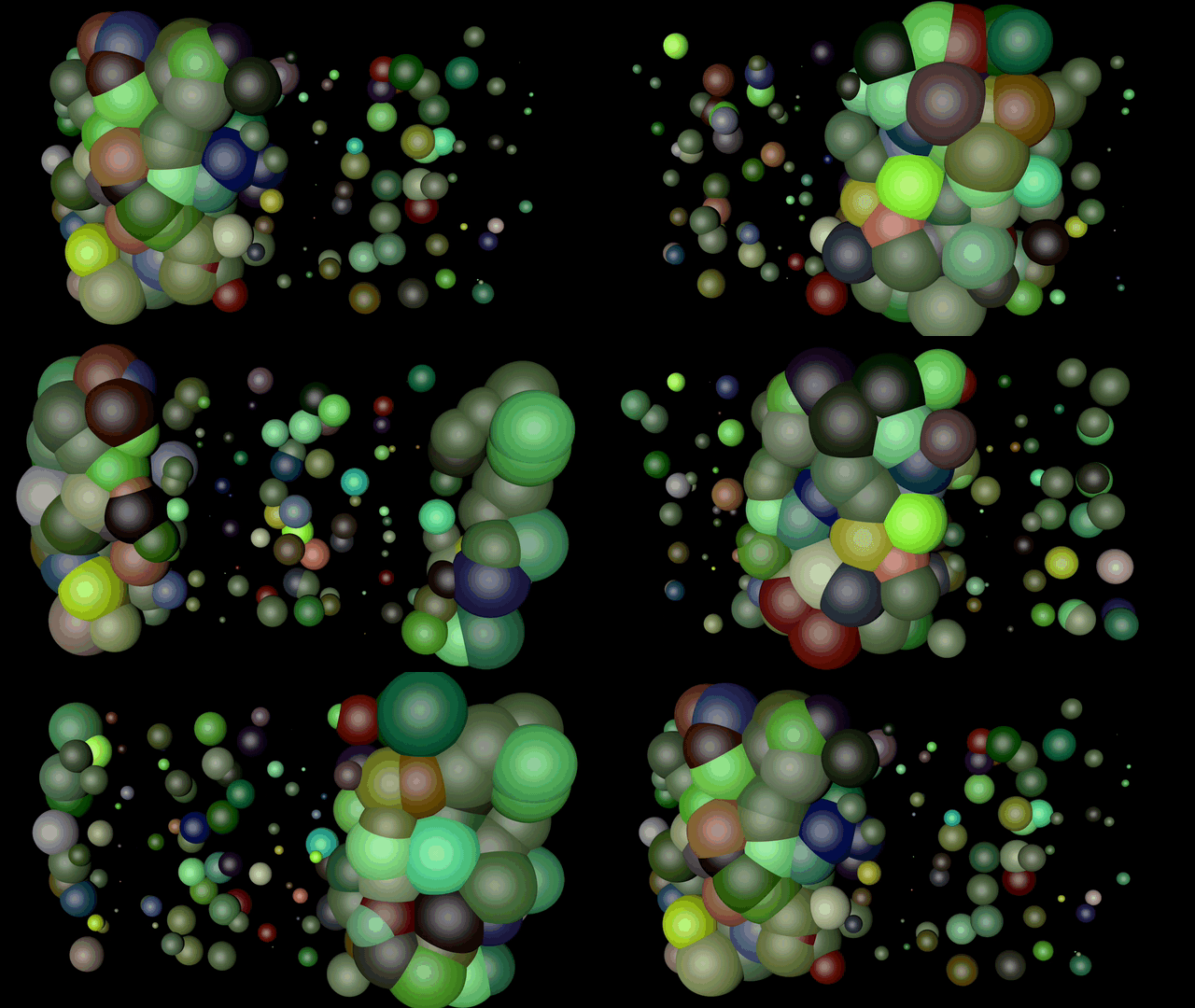
As you can see, colors are a strong point of Cinema 4d. These animations all use some type of Trigonometric formula to determine the movement of the animation. The use of sine and cosine functions will always give you wavy movement.
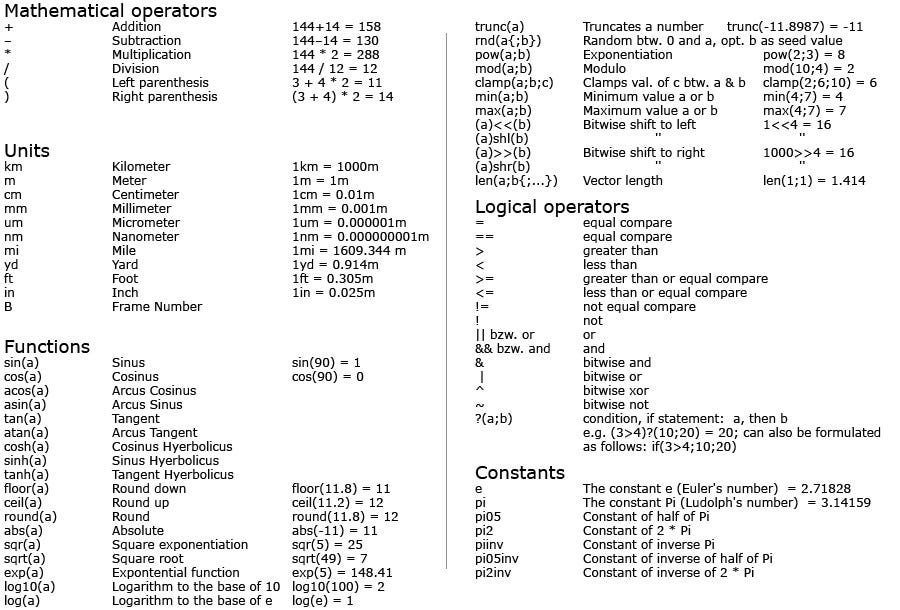
Here is an exhaustive list of the operators, functions, and constants that can be used in formula fields throughout Cinema 4d. There are a few differences from other common programming languages. For example, is not x^2 like in Matlab, rather it is pow(x; 2) and sin(x*y) would be Sin(px*py) in Cinema 4d. However, the differences are really minimal.
Variables are:
px,py,zy Position
rx, ry, zy Rotation
sx, sy, sz Scale
u, v, w, U, V, W
id. Object index
count Object count
falloff Falloff weight
t. Project time
f Frequency
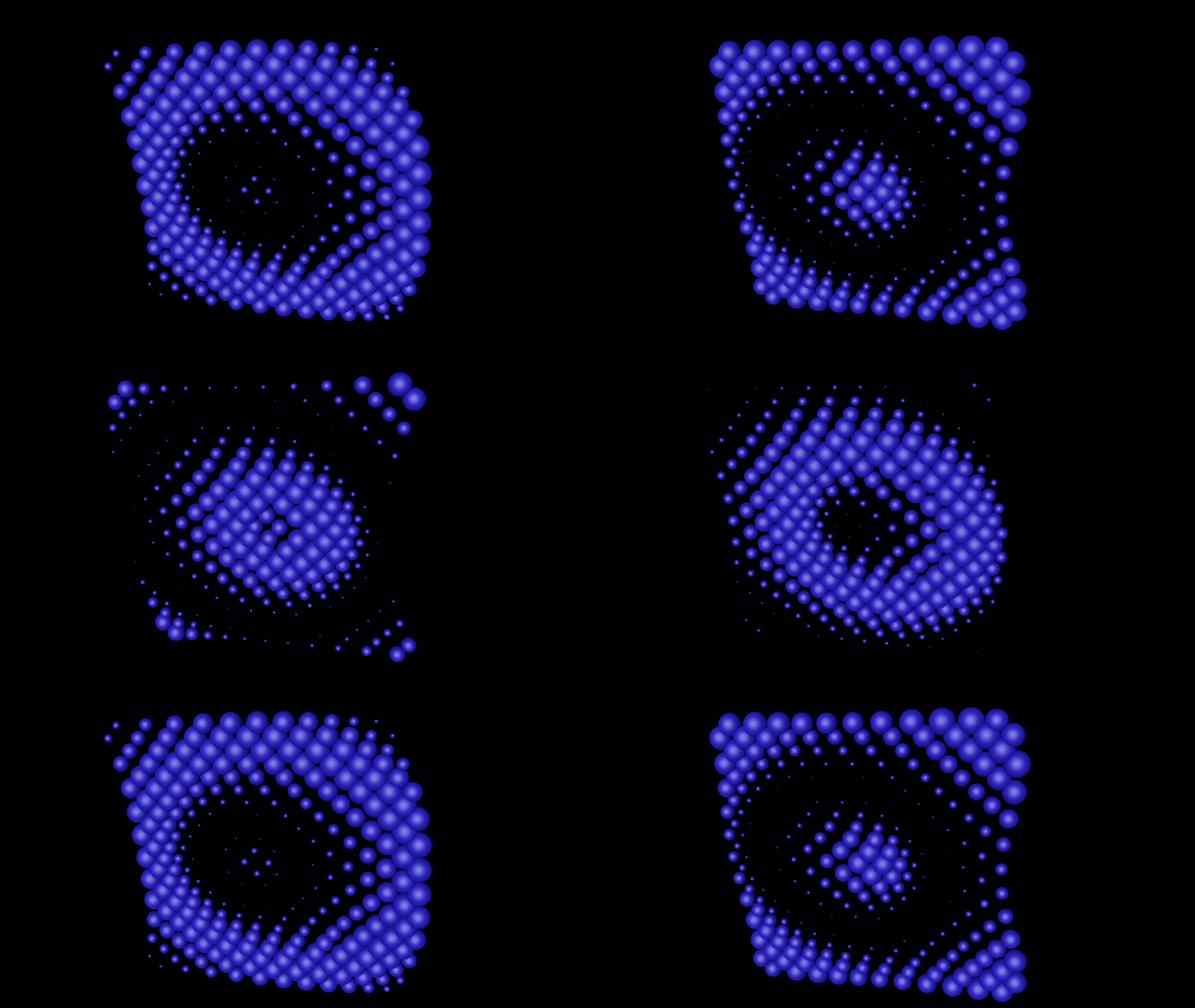
Formula Fields
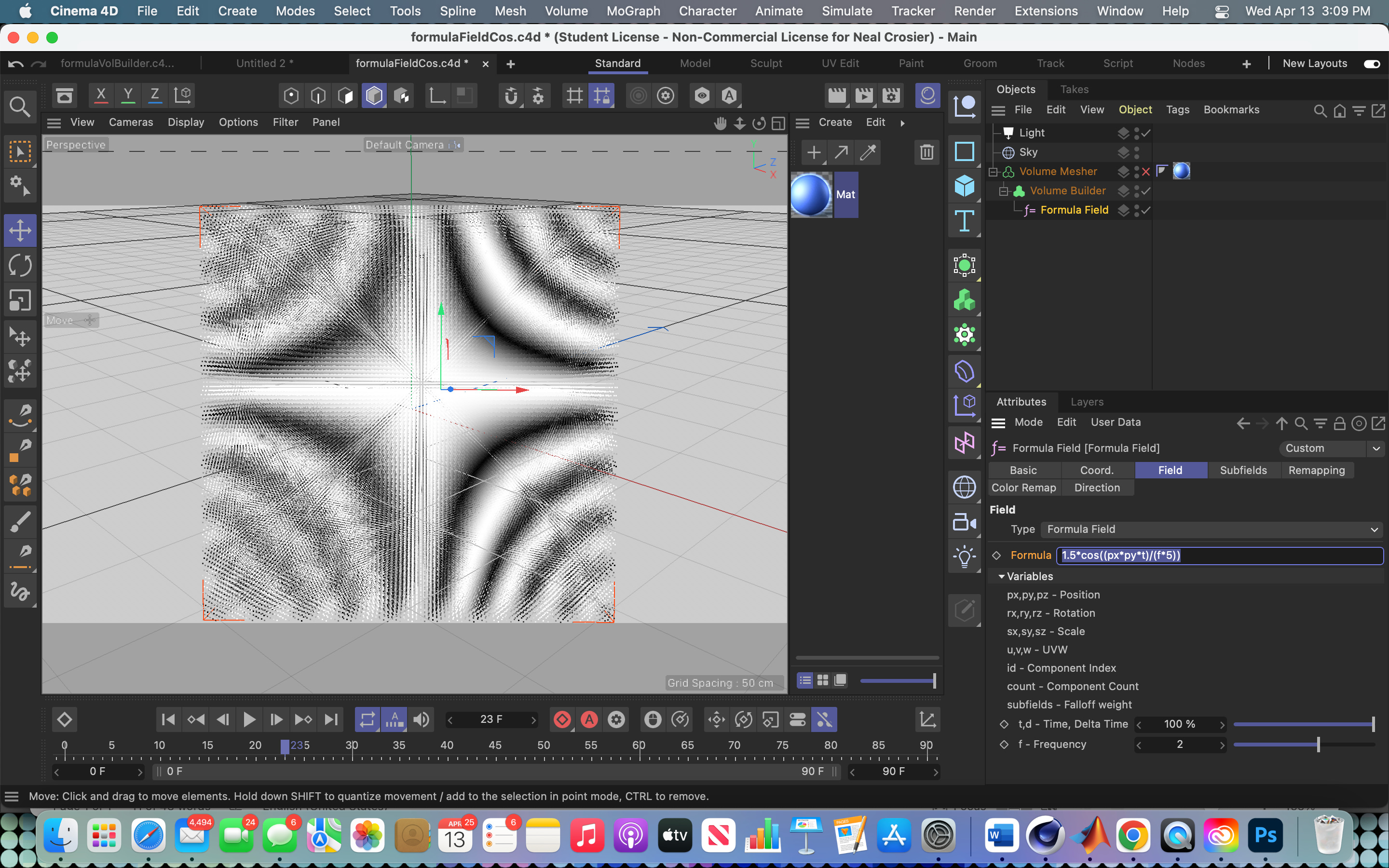
The formula field is yet another place in Cinema 4d where you can use mathematical formulas. When you open the formula field, it comes with a default formula already there. The formula field must be put into a volume builder to see the field in the viewport. Here is the default formula, slightly modified, with the volume builder set to fog.
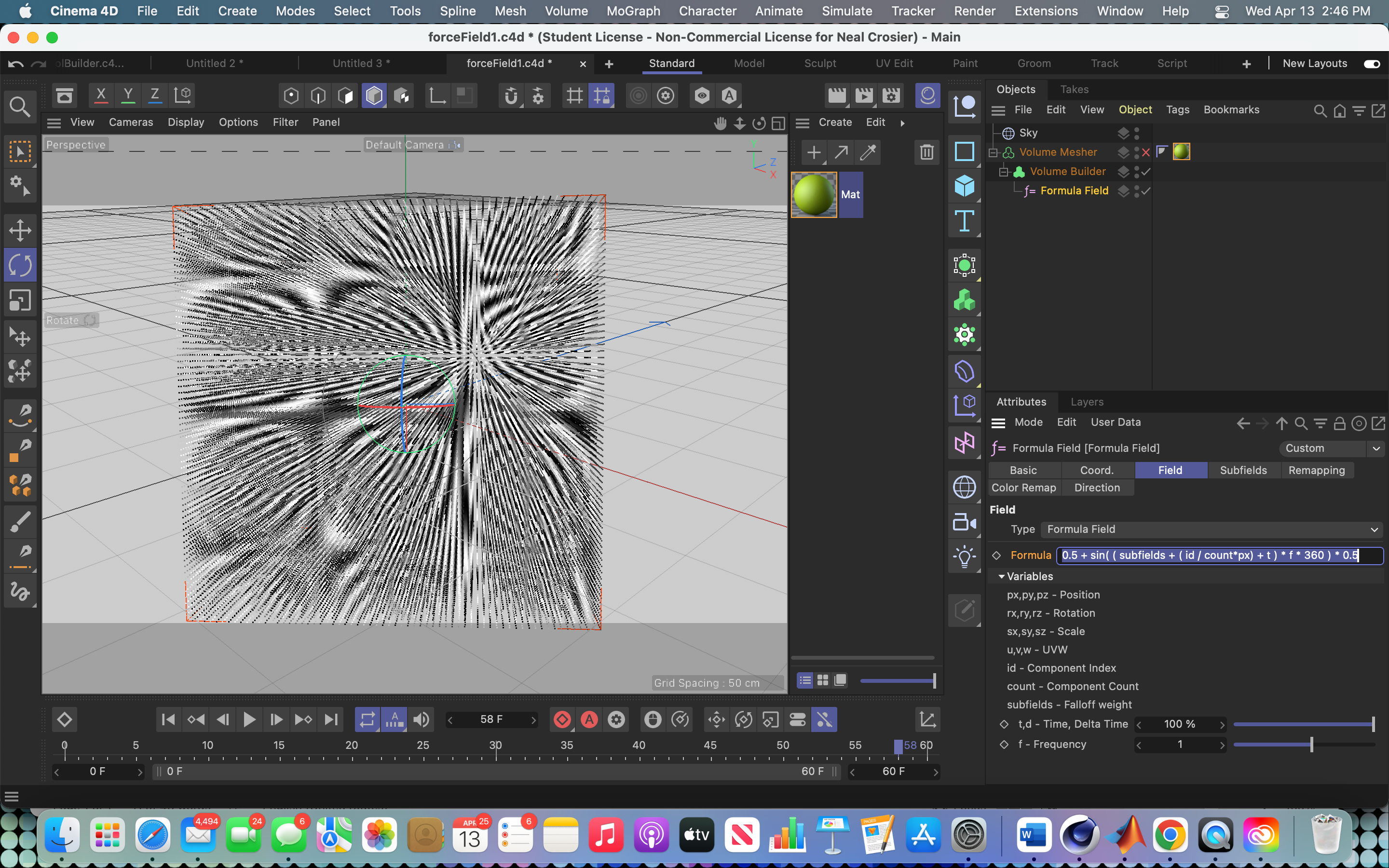
Then the volume builder is placed in the volume mesher so that the images will render.
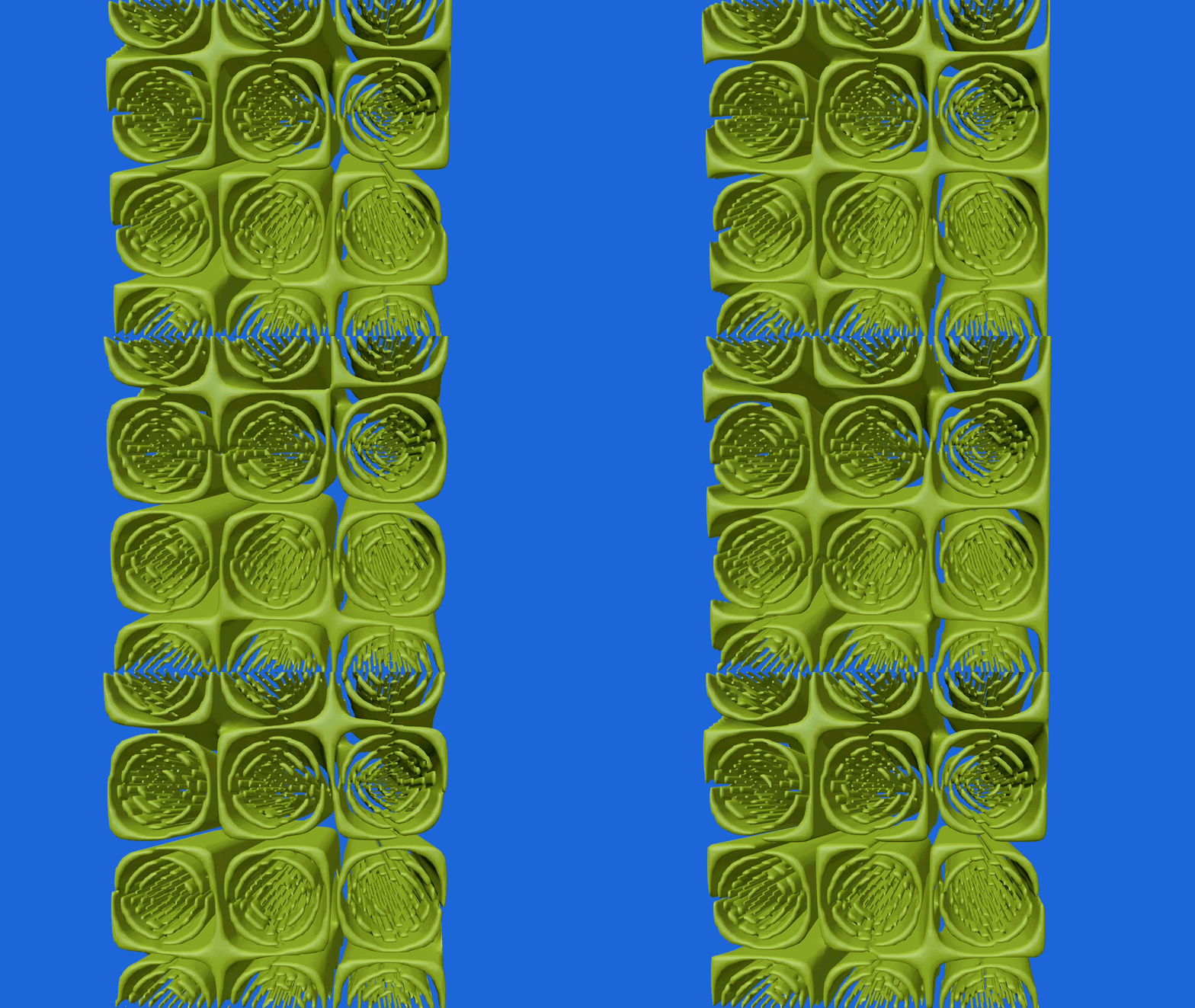
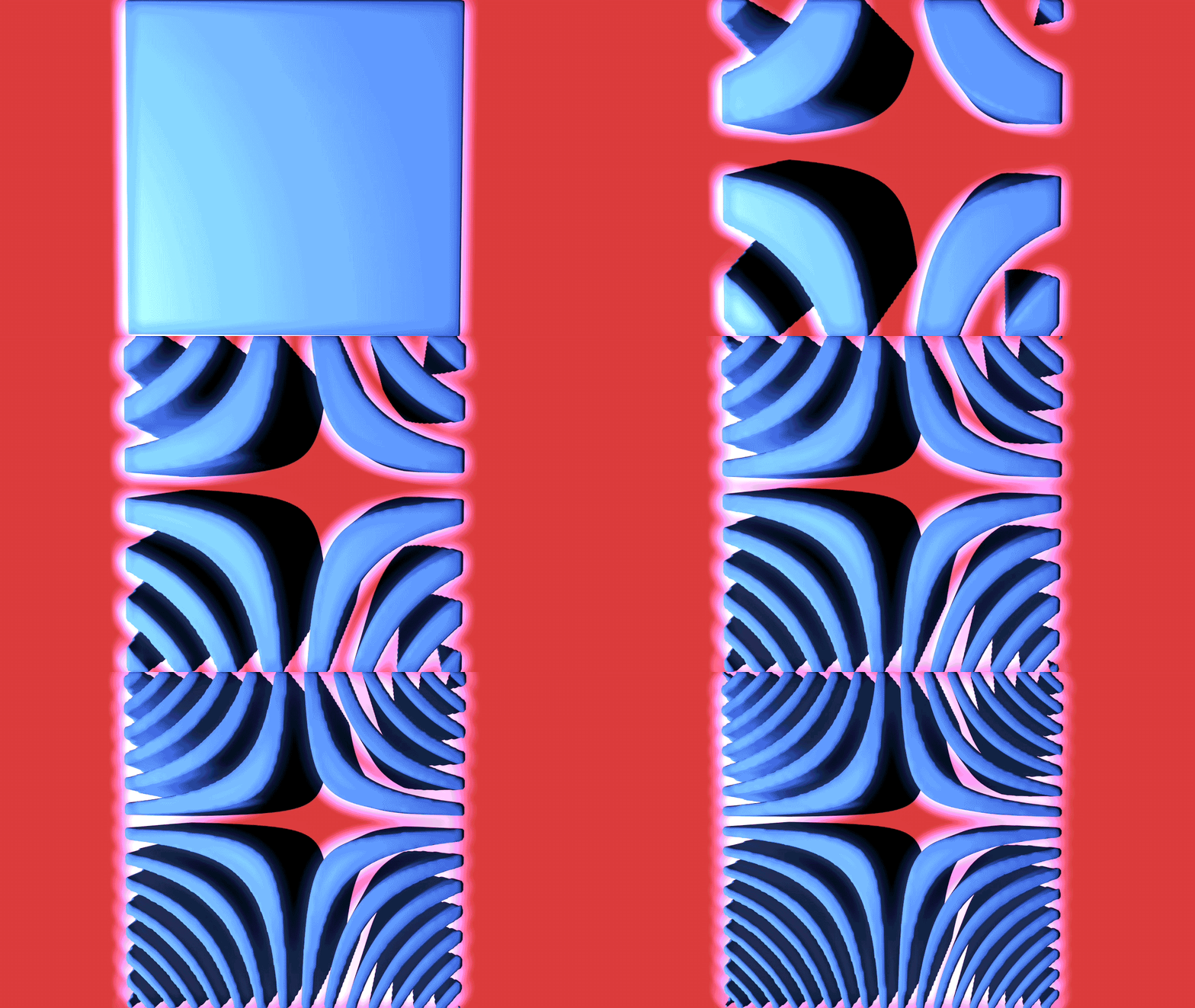
Here is another field image with the formula and setup. Any formula that has a letter t for time will be an animation.
Formula Deformers
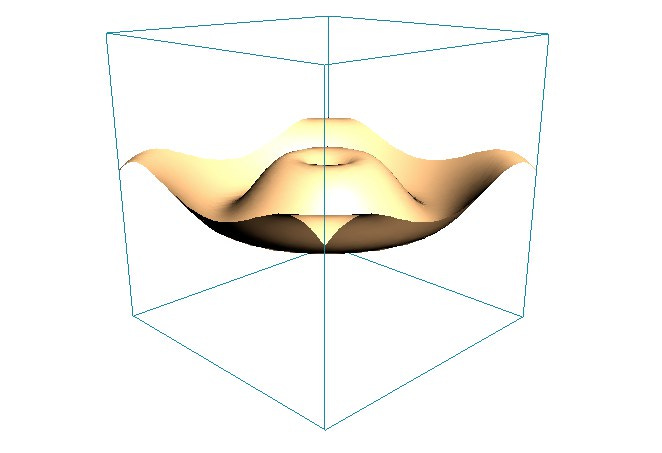
Figure 1 An example of the formula deformer
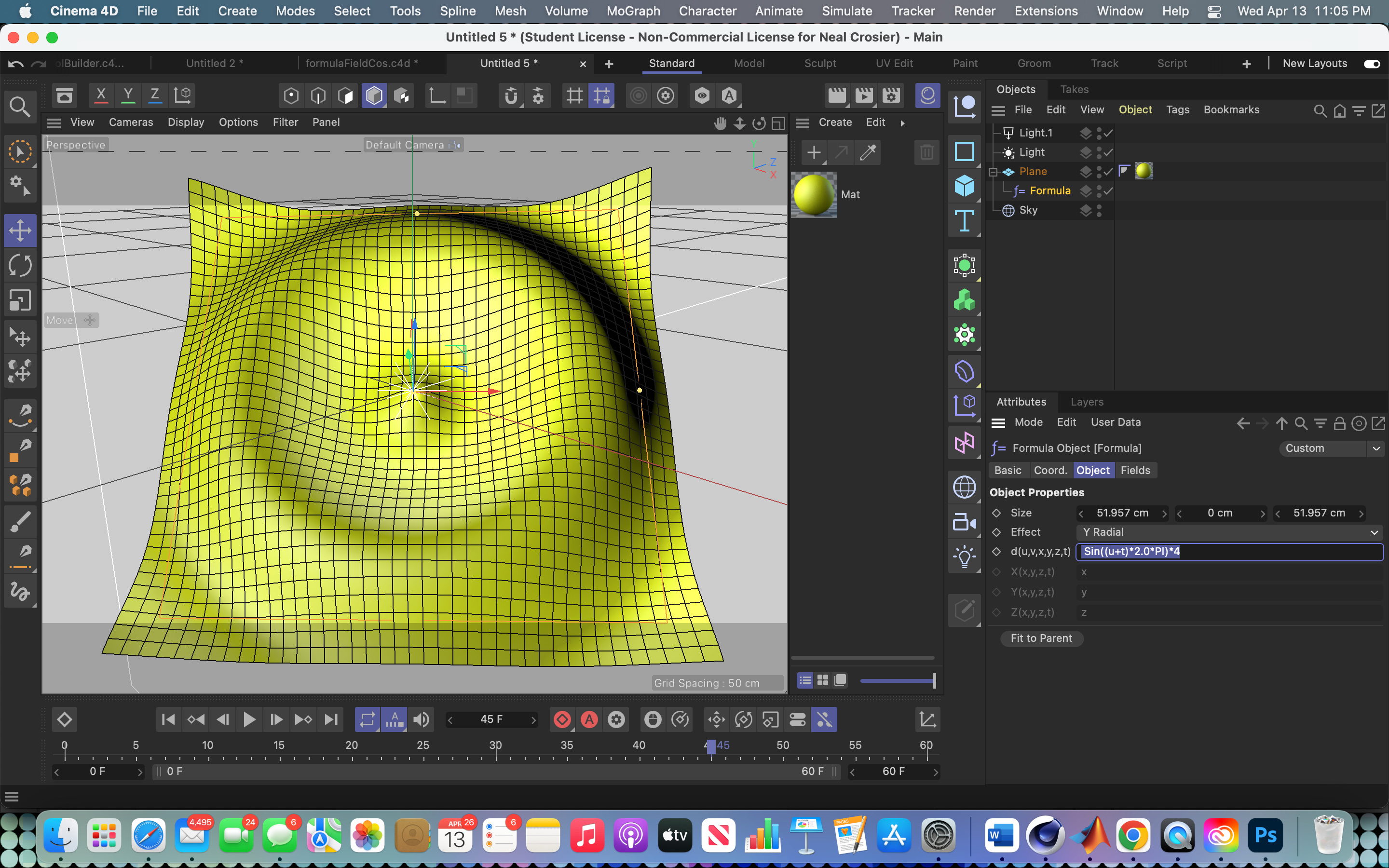
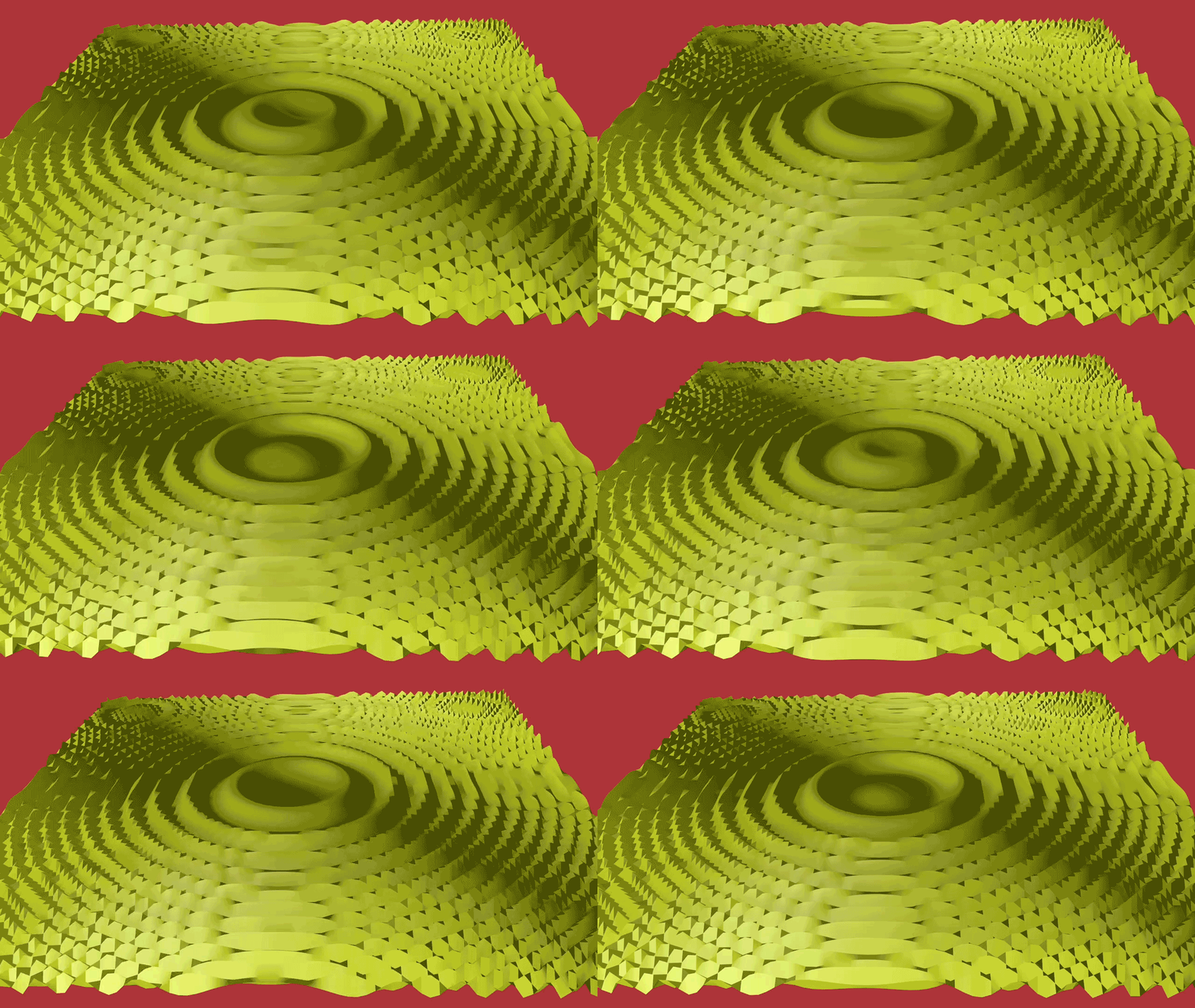
A formula deformer contains a formula and serves to change the shape of some geometric object. It is set as a child of the object and it then modifies the shape. For example, if the parent object is a 60 x 60 plane then the default formula in the deformer has this setup. You can see the formula that was used.

Or the plane can be put in an atom array and then animated.
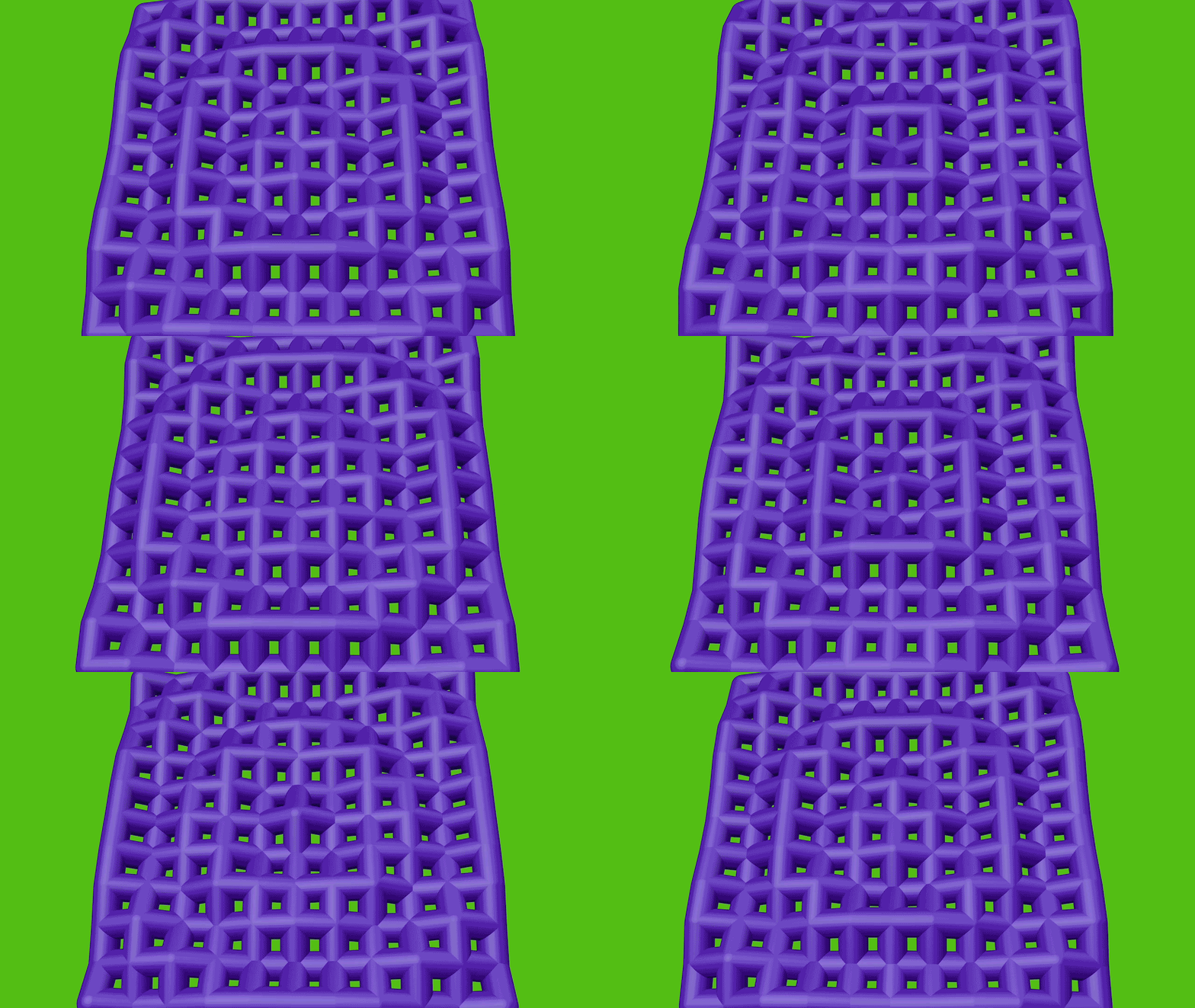
Changing frequency and/or period can produce dramatic changes in the images.
L Systems in Mospline
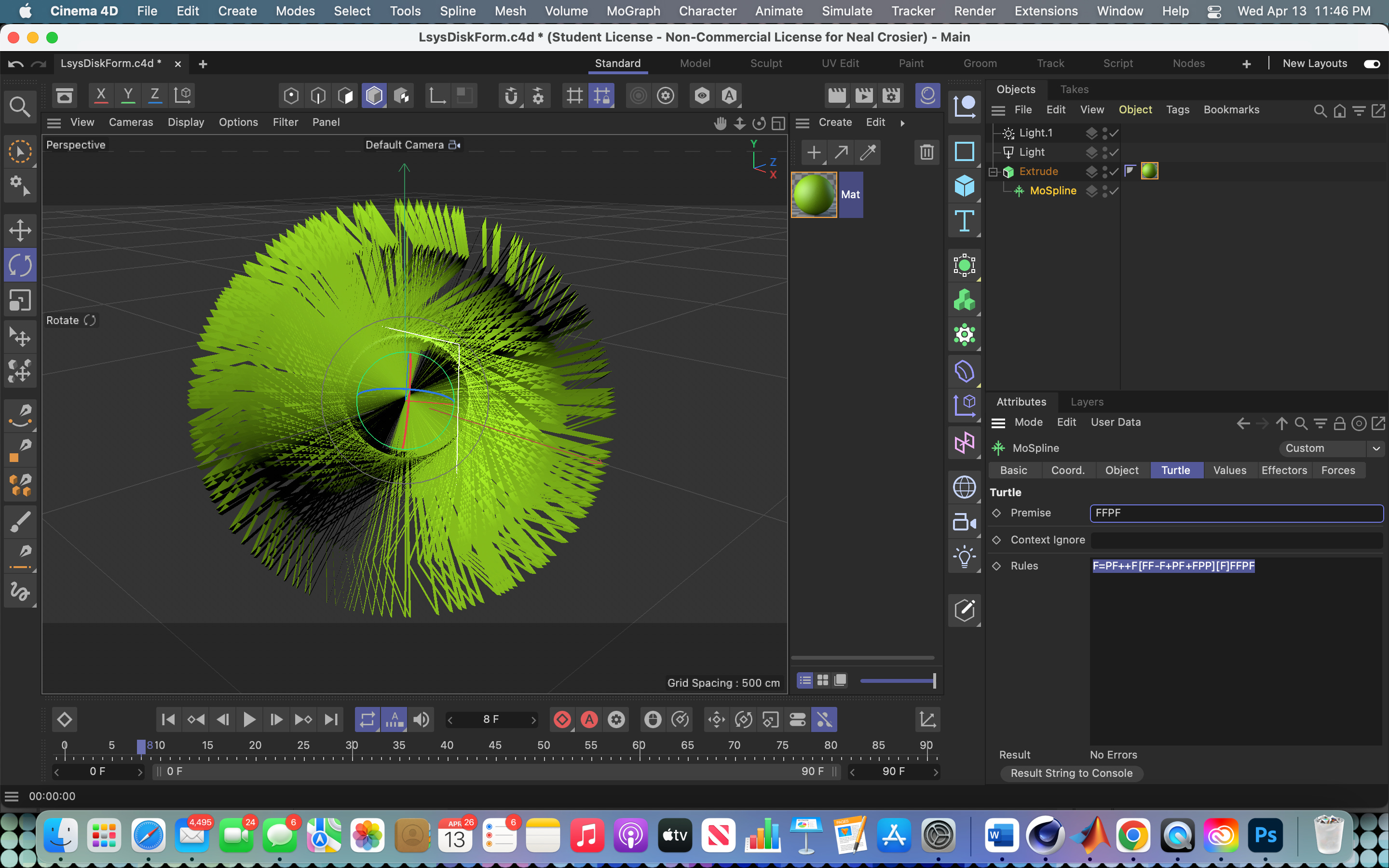
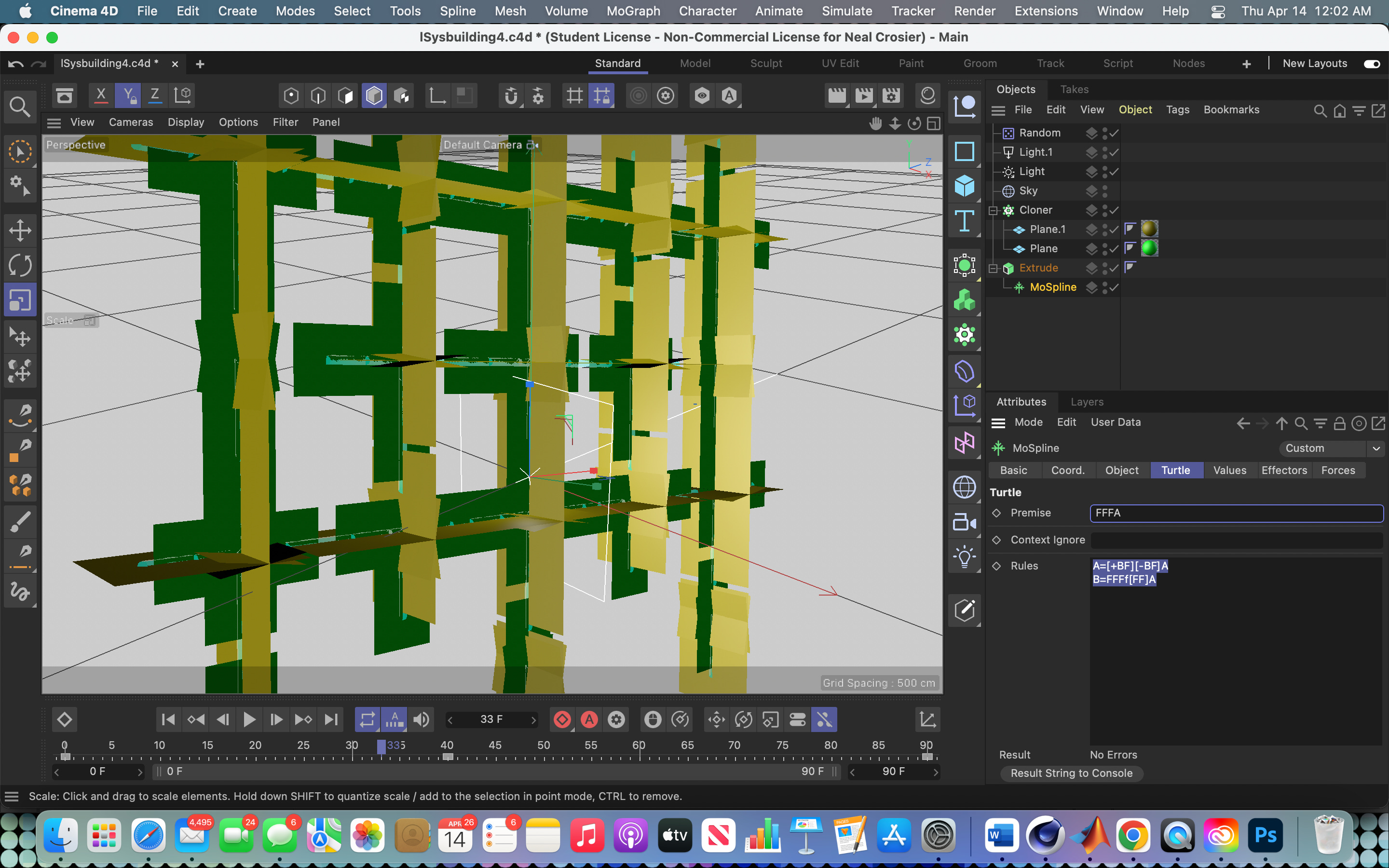
Hidden in mospline is the turtle graphics which implements the Lindenmayer system. It accepts a totally different type of formula. Using the turtle function in Cinema 4D you can create L system graphics. After opening a new project, you click on mospline and then on the turtle tab. Here you can set parameters such as the angle in degrees and use the slider to set the iteration numbers. Under the turtle parameters tab of this section, you type the premise and the rules for replacement.
L Systems, or Lindenmayer systems, are a recursive method of coding that can be used to create very complex line graphics. A Lindenmayer system is a parallel rewriting system which uses a grammar and vocabulary of symbols. A set of production rules then expand the original premise into a larger string of symbols which can then be plotted using turtle graphics. L Systems were developed and introduced in 1968 by Aristid Lindenmayer, a Hungarian theoretical botanist working at the University of Utrecht. He used the system to model the growth of plants and of plant cells. They can also be used to generate elaborate self-similar fractals. Here is an example of the setup. Here you can see the turtle graphic formulas, premise and rules, for the subsequent image.
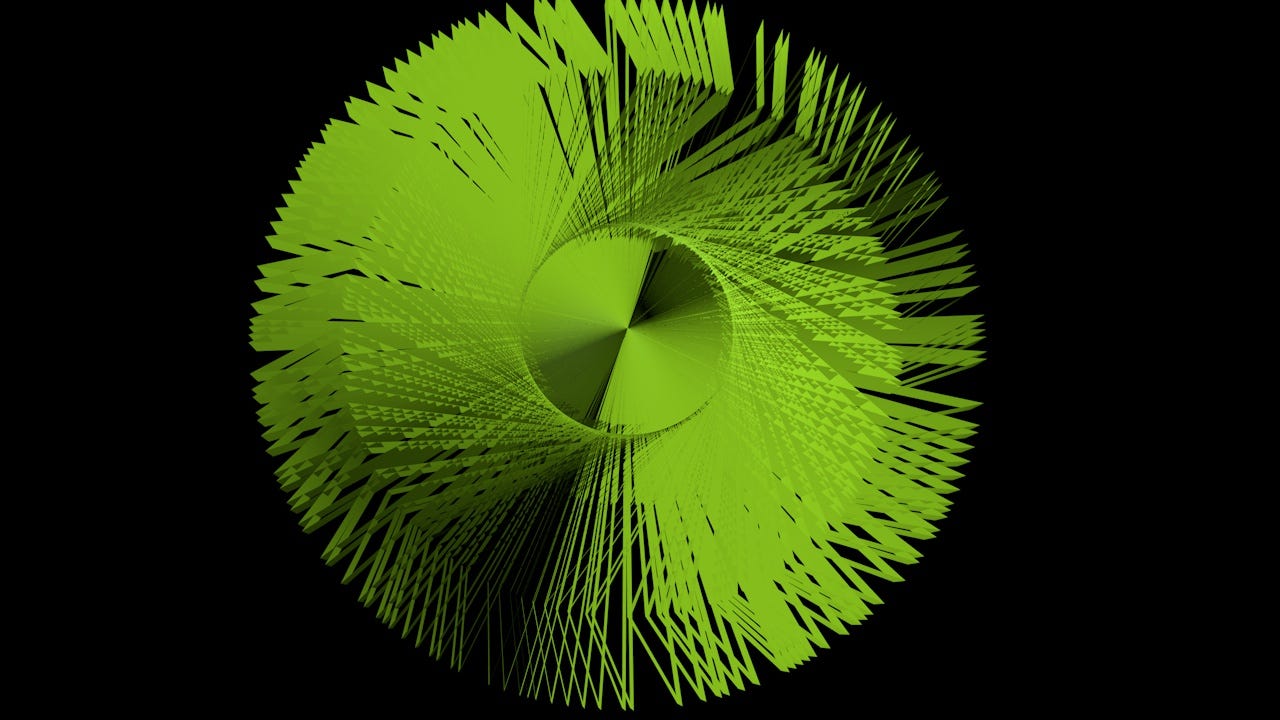
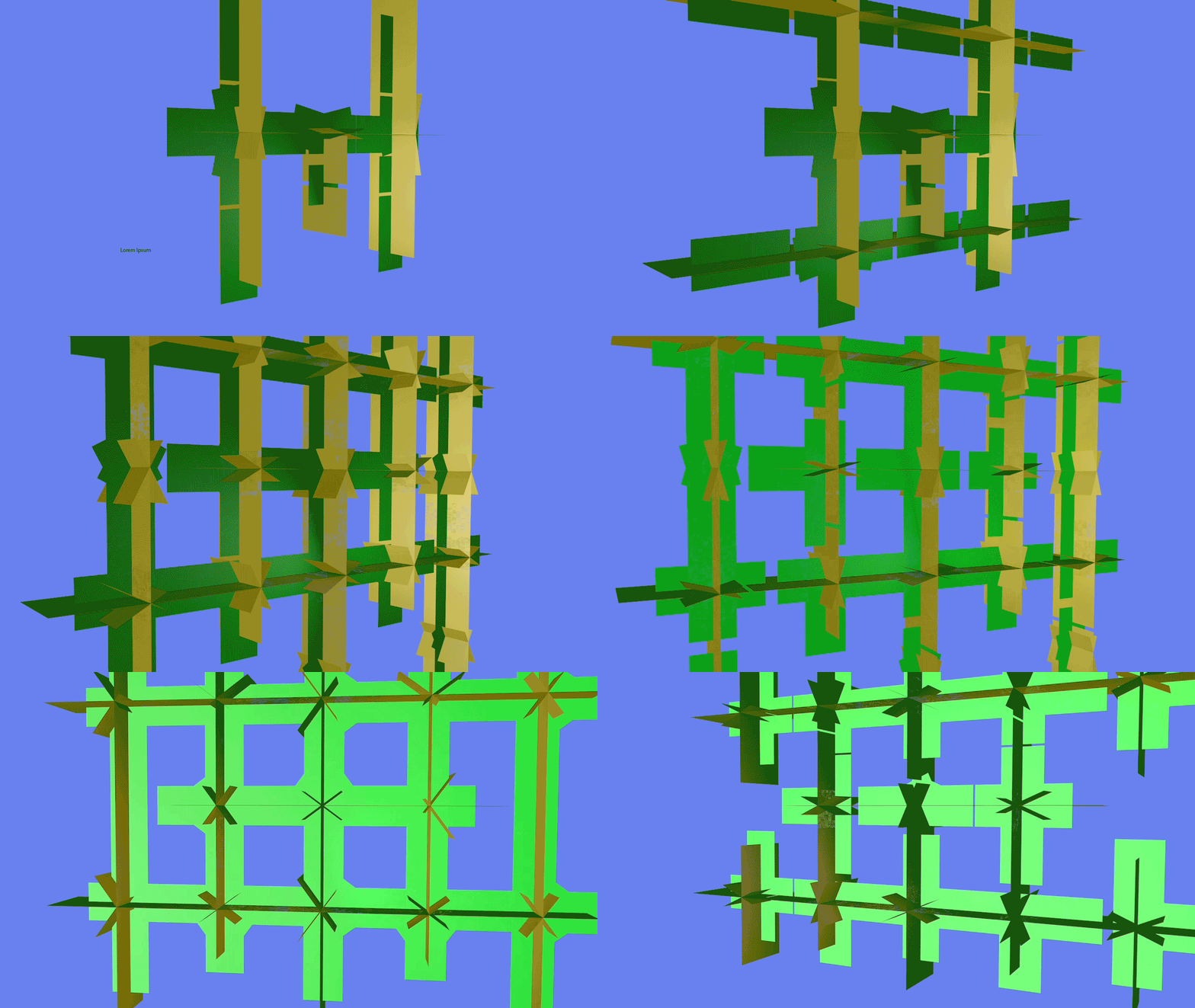
It produces this image:
You can make animations by setting keyframes at different iterations of an L Systems image.

Here you can see the turtle graphic formulas, premise and rules, for the subsequent animation.
I hope that this short study of the various formula functions in Cinema 4d was interesting. If you are presently taking a math class, you certainly will impress your professor with your illustrations of math concepts. By the way, if you are a student there is a very reasonably priced option for student use of the software. Cinema 4d is used by some of the most renowned digital artists. Maybe you will have a chance to work with it yourself.
Neal Crosier © 2022